SKETCH
Start with a measured drawing
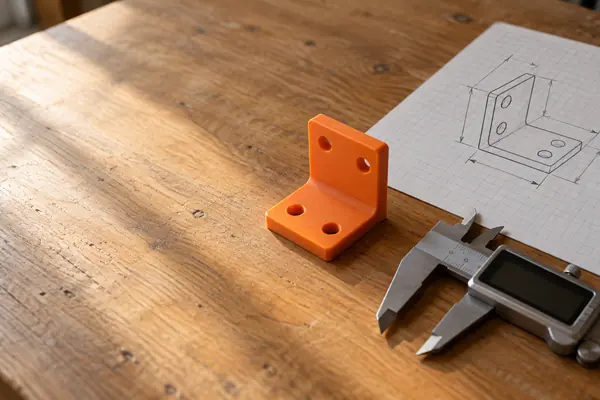
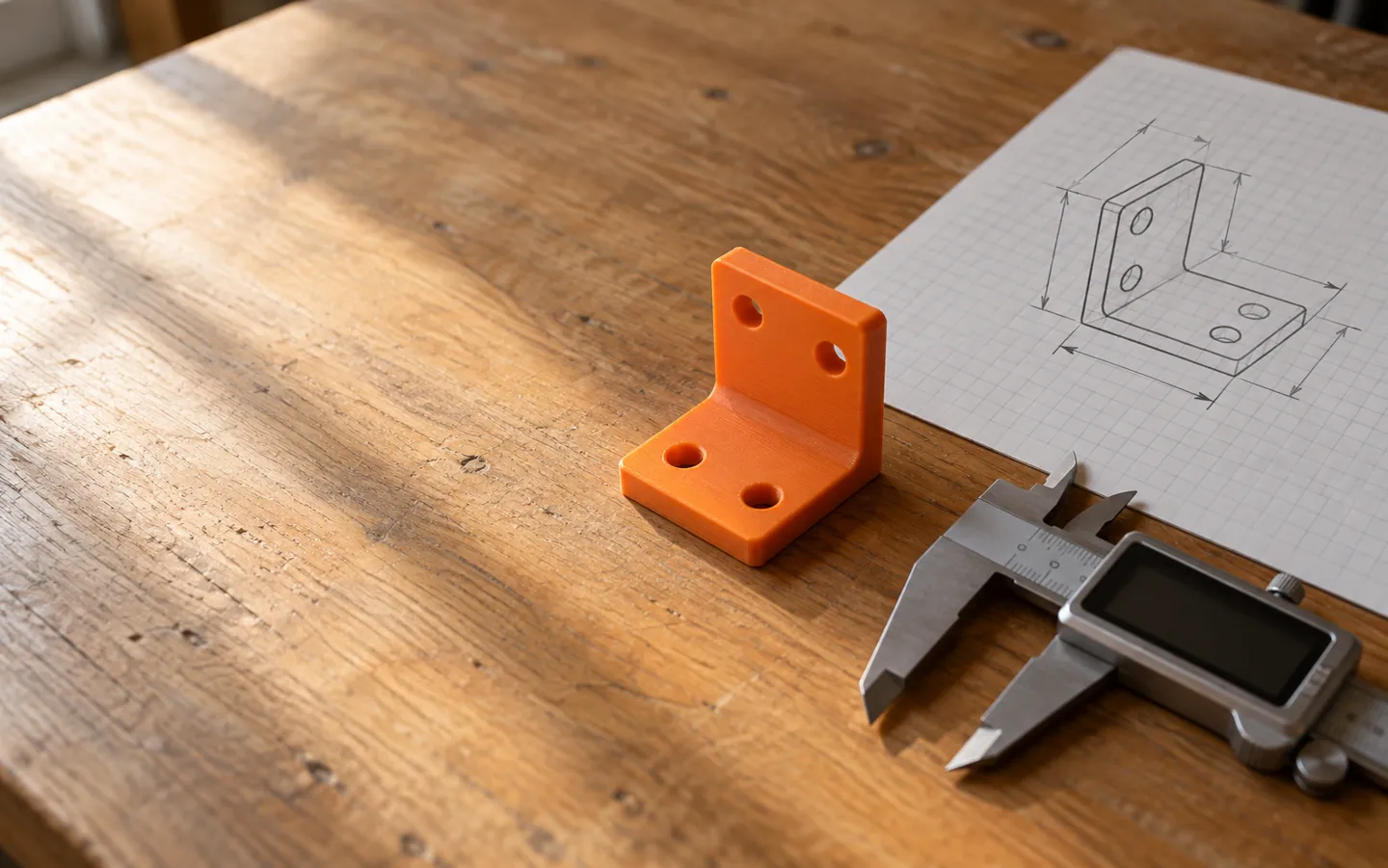
England's curriculum asks pupils from key stage 2 (ages 7 to 11) to develop ideas with annotated sketches, exploded diagrams and computer-aided design. The sketch still comes first.
See the stepsHOBBY CAD, PLAIN ENGLISH
Computer-aided design is not just for engineers.
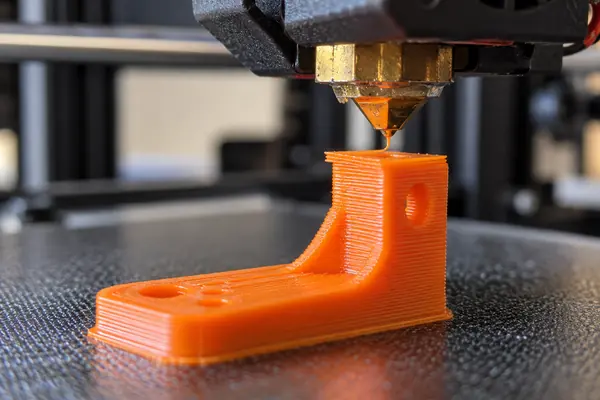
In England it appears in the design and technology curriculum from age 7. At home, a free CAD program and a desktop 3D printer let you turn a pencil sketch into a part you can use. A few file and design rules decide whether it prints and fits.
0.5 mm the gap that lets parts fit
THE SHORT ANSWER
The software is the easy bit.
Measurements, printer limits and file type do the rest.
SKETCH
England's curriculum asks pupils from key stage 2 (ages 7 to 11) to develop ideas with annotated sketches, exploded diagrams and computer-aided design. The sketch still comes first.
See the stepsA university FDM guideline gives 1.0 mm minimum walls, 2.0 mm holes and a 45° limit for overhangs printed without support.
See the numbersFIT
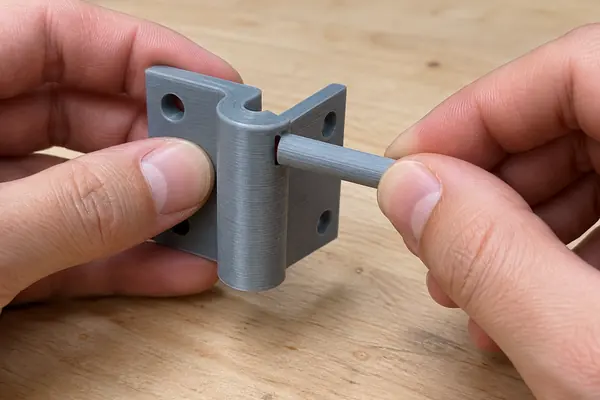
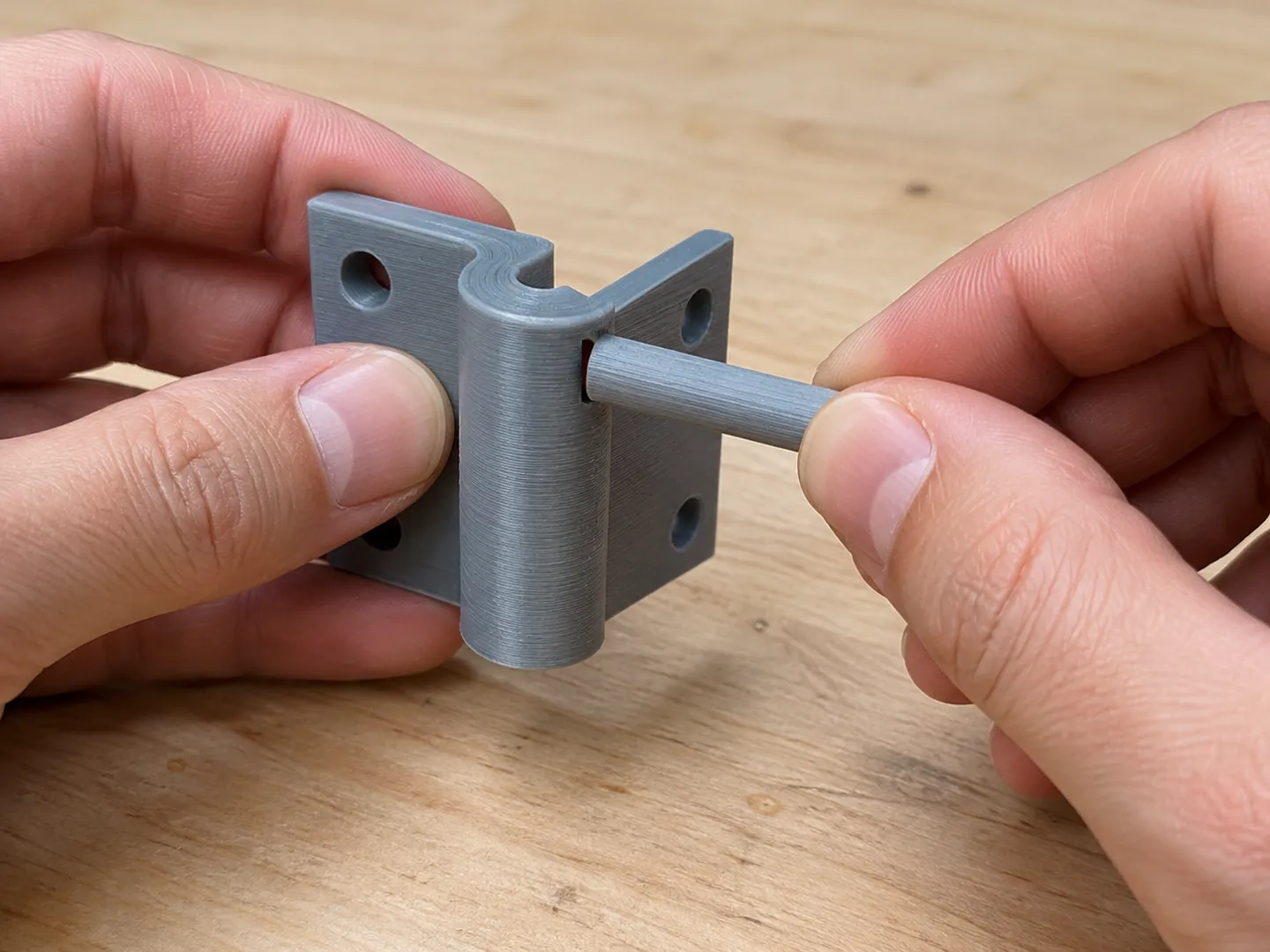
Do not draw a peg and its hole at exactly the same size. The same guideline recommends 0.5 mm clearance between moving or connecting parts.
Pick a fileWHICH FILE TO EXPORT
CAD programs can save the same part in several formats. Pick one to see what it keeps. The bar shows how much design information travels with the file.
Based on the Library of Congress format descriptions for STL, 3MF and STEP-file.
TWO NUMBERS WORTH KNOWING
Both figures come from one university design guideline
for FDM (filament) 3D printers.
0.5 mm
Gap between moving or connecting parts
The University of Zurich's FDM design guideline recommends 0.5 mm of clearance between two moving or connecting parts, so a pin, lid or hinge can go together after printing.
CLEARANCE · UNIVERSITY OF ZURICH
45°
Steepest wall printed without support
The same guideline gives 45° as the maximum angle a wall can be printed at without needing support. Past that, plan for supports or turn the part over.
OVERHANGS · UNIVERSITY OF ZURICH
The guideline also lists 1.0 mm minimum walls, 2.0 mm minimum holes (depending on hole length and the wall around it), 3.0 mm minimum pins and 1.0 mm raised details. Your own printer may differ: print a small test first.
FOUR STEPS FOR A FIRST PART
A first project can be as small as a hook, a cable clip or a replacement knob. These steps keep it simple.
Draw the part on paper and write the real measurements on it, taken with a ruler or calipers.
Keep walls at 1.0 mm or more, holes at 2.0 mm or more, and overhangs within 45°, or plan supports.
Where two parts meet or move, leave about 0.5 mm of clearance, then test with a small print.
Save your CAD project, then export a copy for the printer. STL and 3MF are for printing; STEP is for opening in other CAD software.
WHY CURVES LOOK FACETED
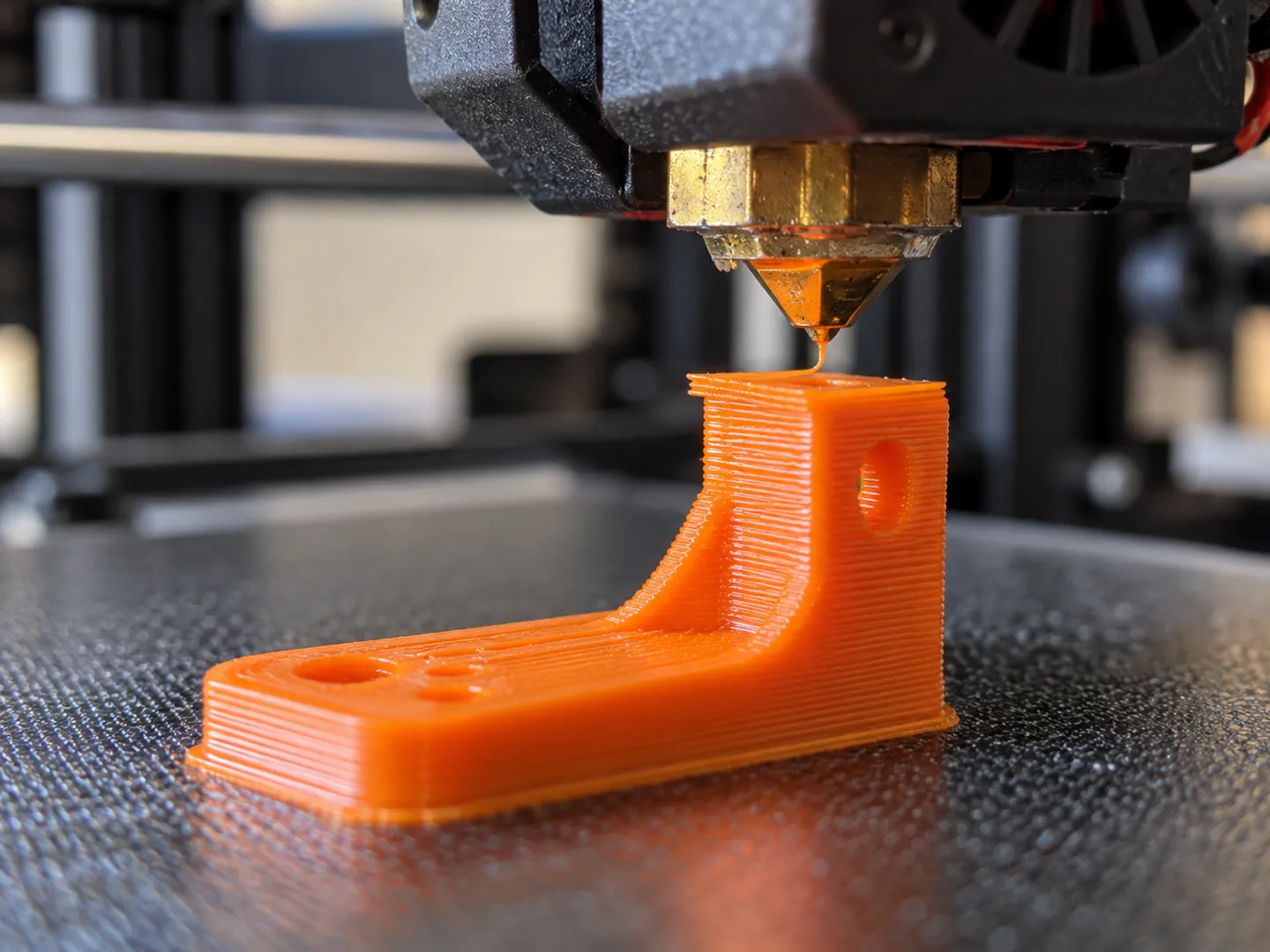
CAD software can describe a curve exactly with splines or NURBS. When you export to STL, the surface is broken into triangles, a step called tessellation. A 1997 study noted that a smooth shape may need thousands of triangles to be accurate.
Tessellation can also go wrong. A 2003 analysis found it often leaves gaps and holes that cannot be printed as layers. Many tools can check and repair an STL file before you print.
Questions
Computer-aided design: using software to draw and model objects. England's design and technology curriculum lists computer-aided design at key stage 2 and computer-aided manufacture at key stage 3.
No, just a limited one. The Library of Congress says STL describes only a surface of triangles, with no standard colour or texture, but its simplicity and wide support keep it useful for single-colour printing.
Check the gap. If the peg and hole were drawn at the same size, there is no room to slide. The University of Zurich FDM guideline recommends 0.5 mm clearance between moving or connecting parts.
The same guideline gives 45° as the steepest a wall can be printed without support. Steeper overhangs need supports, or a different orientation on the bed.
Keep the original CAD project so you can edit it. Export STL or 3MF for printing, and STEP if the part needs to open in different CAD software.
Sources
ABOUT THIS NAME
cadforfun.com is part of the DoodleSale portfolio. It isn't in an auction right now, but you can ask about leasing it.